

Description

-
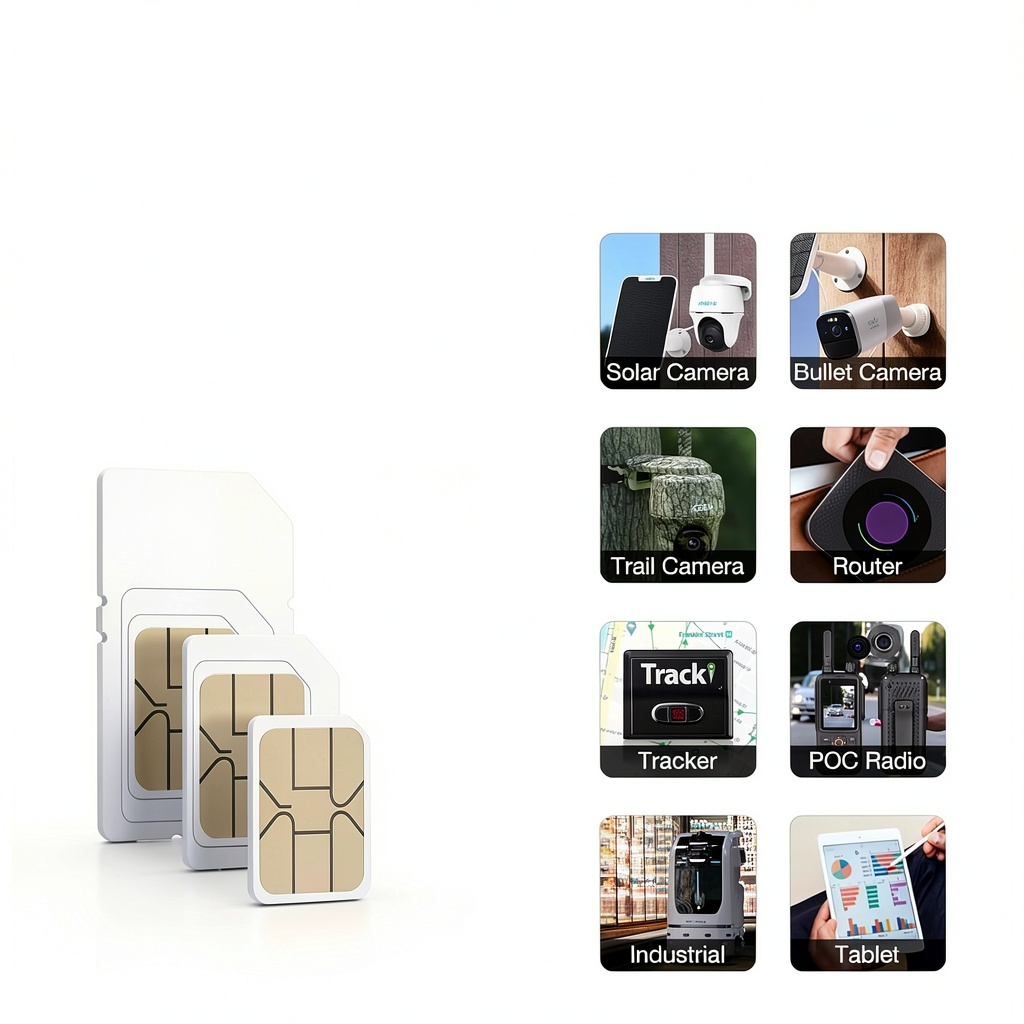
Compatible Most of unlocked devices
Easy Activation without hassles step
-
Ideal for any 4G LTE Network Places
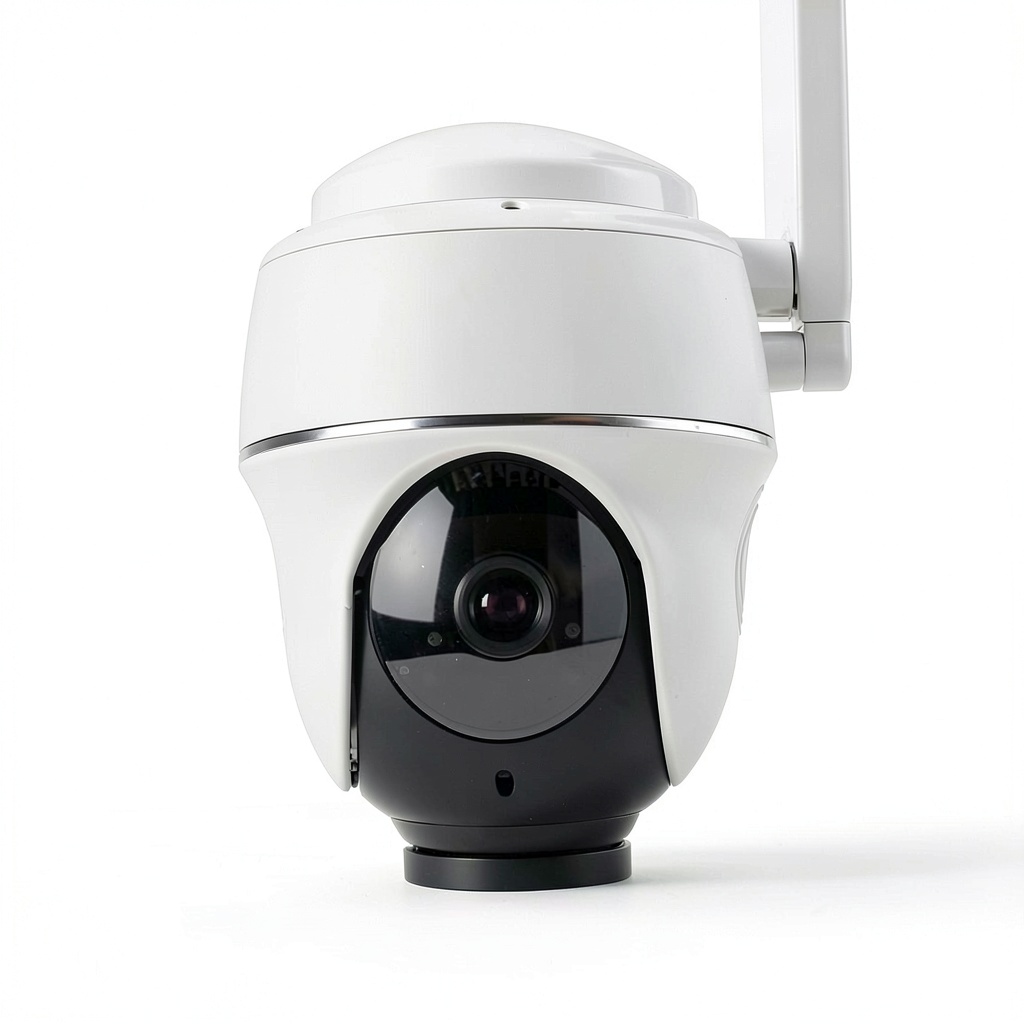
With EIOTCLUB 4G SIM card, you can truly enjoy a wireless security experience.
-
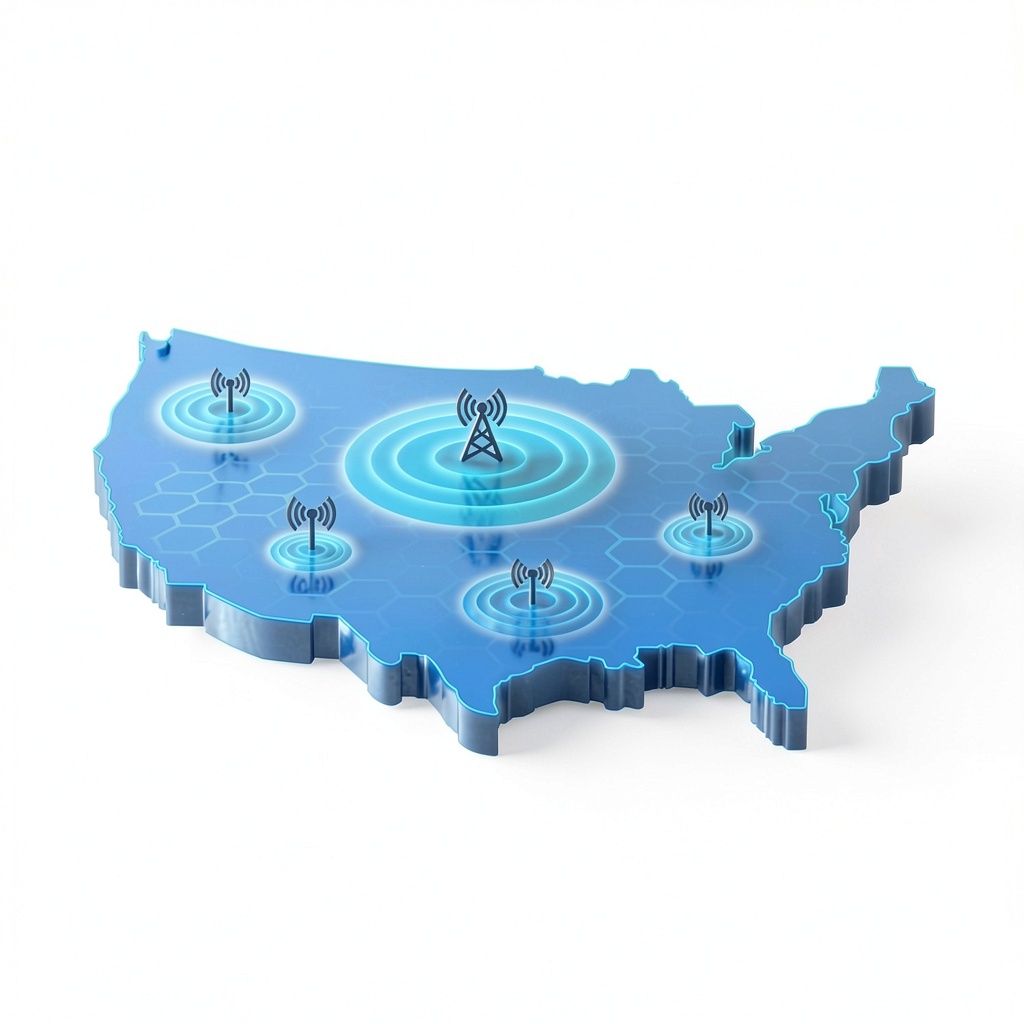
Support U.S. two major network(AT&T and T-mobile)
Exceptional network coverage, ensuring reliable and seamless connectivity.
-
Plug-and-Play
Hassle-free activation, ensuring user-friendly and reliable connectivity.
-
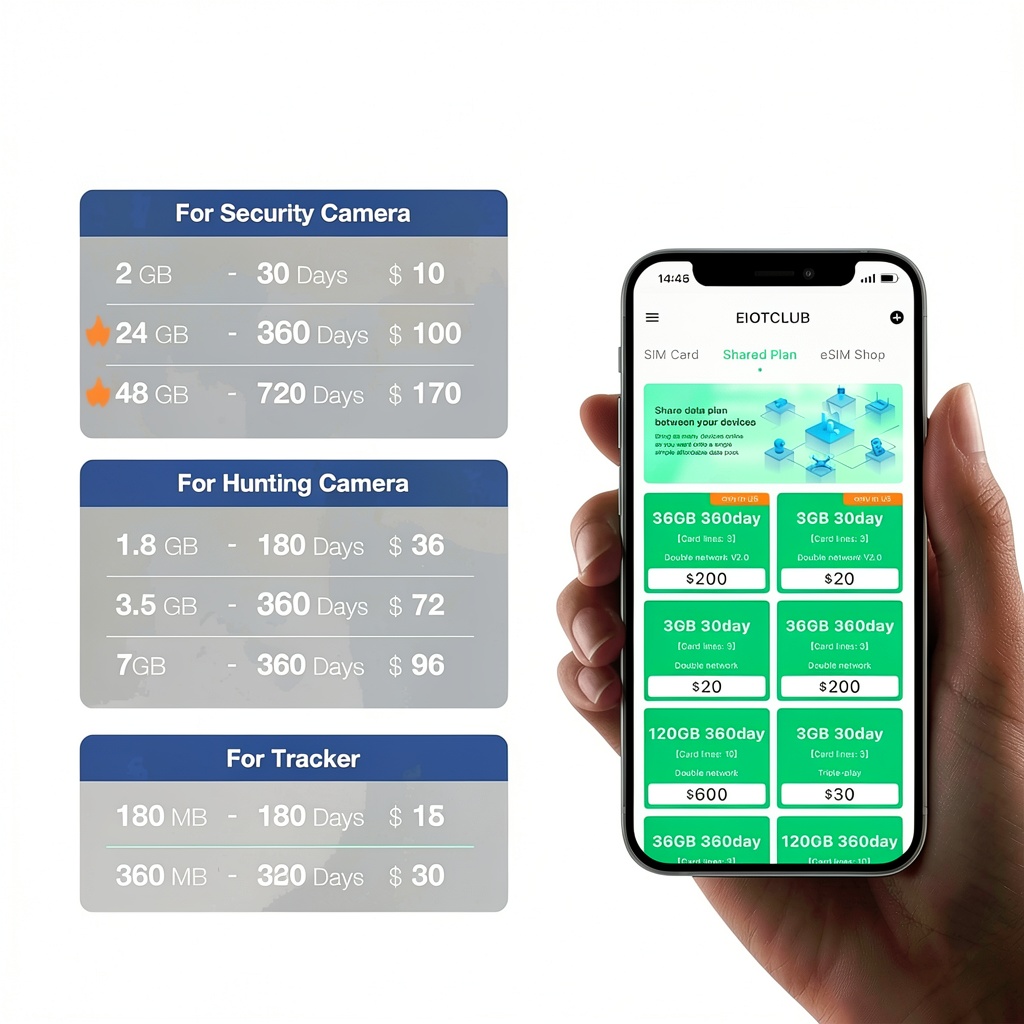
Easy-to-adjust plans that cater to various needs
No contracts. No extra fees. No hidden fees. No activation fees.

STEP 1
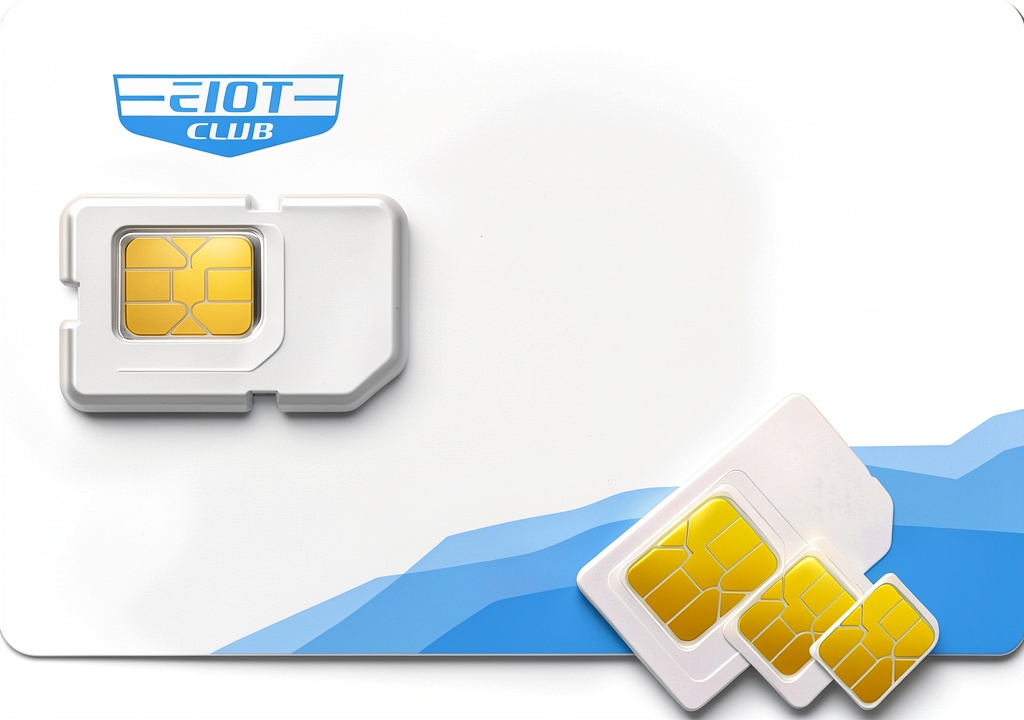
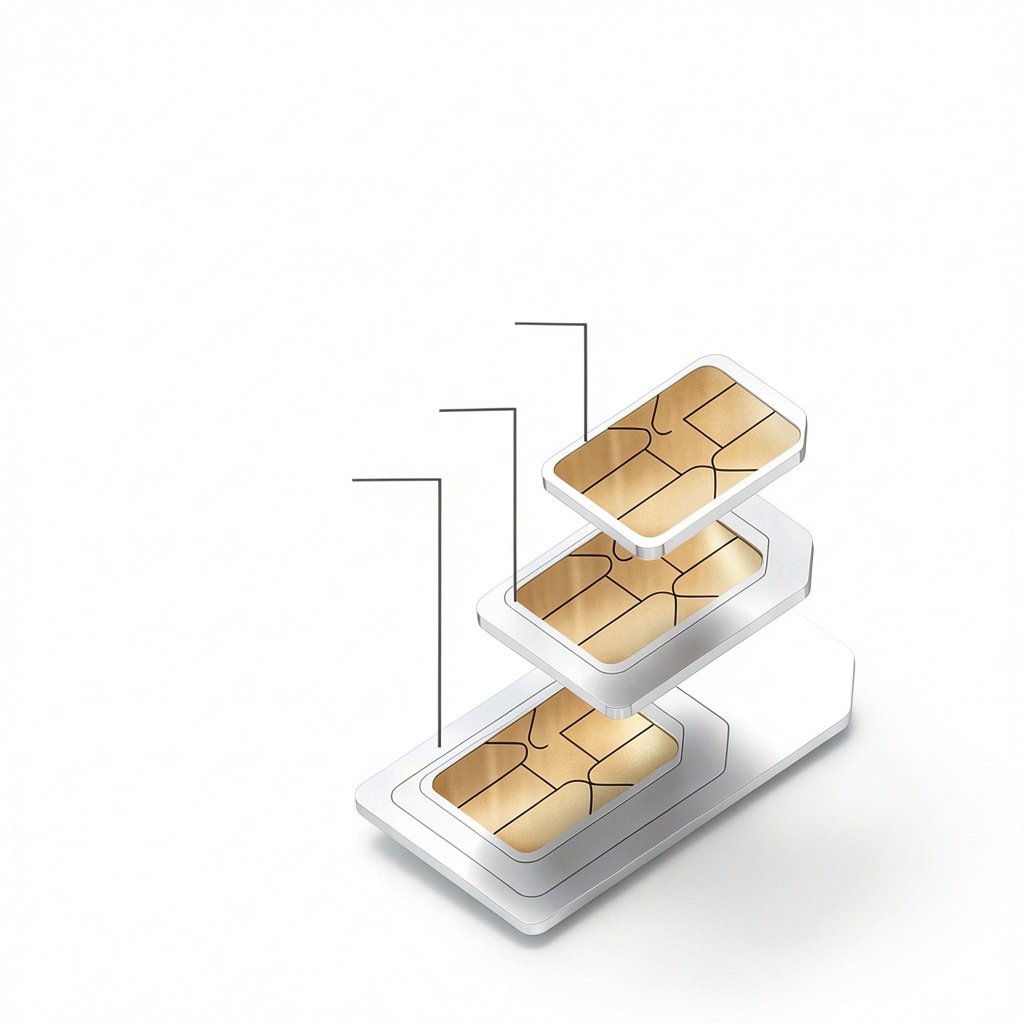
Our 3-in-1 SIM card includes standard, micro, and nano sizes. Just punch out the one that fits your device.

STEP 2
Make sure your device powered off, just insert the sim card in correct direction. Some device may need to set up APN to get connection.

STEP 3
Turn your device switch on and wait for a few seconds and get the successful connection.

ENJOY THE SERVICE
To be sure not influence any service interruptions, we suggest you REFILL your data plan before your current plan expires.

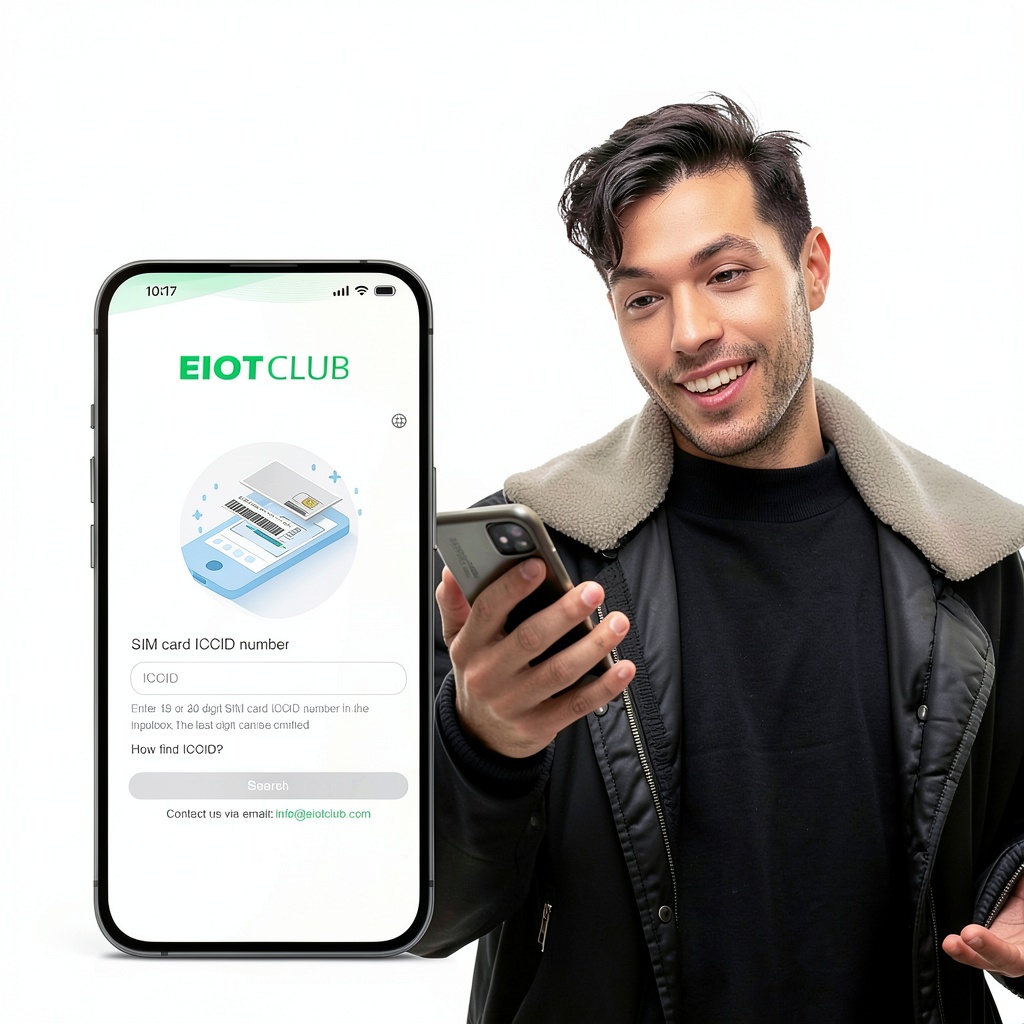
- Visit recharge platform/Eiotclub APP
- Enter ICCID number
- Choose the plan you want

- Guide you step by step to use the SIM card
- Recommend the right data plan for your device
- Walk you through trouble shooting
Find the Right SlM for Your Device
![]() Double Network SIM Card
|
![]() Triple Play SIM Card
|
![]() Hotspot SIM Card
|
|---|---|---|
|
Standard Auto-switching dual network |
Premium Seamless triple-network switching |
Standard Optimized for routers and MiFi devices |
|
Feature Stable connectivityfor 4G surveillance |
Feature Perfect for HD videoand real-time monitoring |
Feature Ideal for home, office,or on-the-go |
|
Network Speed 4G/5G LTE |
|
Network Support AT&T and T-mobile |
Network Support Verizon, AT&T and T-mobile |
Network Support AT&T and T-mobile |
|
Transparency No contract/no hidden fee/no phone number |
-
HuntingFarmer, a YouTube channel, endorsed EIOTCLUB
The video showcases the product in use.The video guides you through product setup.The video compares multiple products.The video shows the product being unpacked.Video Player is loading.Current Time 0:00/Duration 1:11Loaded: 8.46%0:00Stream Type LIVERemaining Time –1:111x- Chapters
- descriptions off, selected
- Captions off, selected
- English (Automated)
- default, selected
This is a modal window.
HuntingFarmer, endorsed EIOTCLUB
Merchant Video
-
How to set up SIM card in Reolink camera
The video showcases the product in use.The video guides you through product setup.The video compares multiple products.The video shows the product being unpacked.Video Player is loading.Current Time 0:00/Duration 1:28Loaded: 6.82%0:00Stream Type LIVERemaining Time –1:281x- Chapters
- descriptions off, selected
- Captions off, selected
- English (Automated)
- default, selected
This is a modal window.
How it work in reolink camera
Merchant Video
-
How SIM Cards Work in Car Stereo Systems
The video showcases the product in use.The video guides you through product setup.The video compares multiple products.The video shows the product being unpacked.Video Player is loading.Current Time 0:00/Duration 1:13Loaded: 8.23%0:00Stream Type LIVERemaining Time –1:131x- Chapters
- descriptions off, selected
- Captions off, selected
- English (Automated)
- default, selected
This is a modal window.
How SIM Cards Work in Car Stereo Systems
Merchant Video
-
How to set up APN in your mobile phone?
When the SIM card is not working, you would troubleshoot it in your mobile phone
The video showcases the product in use.The video guides you through product setup.The video compares multiple products.The video shows the product being unpacked.Video Player is loading.Current Time 0:00/Duration 0:44Loaded: 13.65%0:00Stream Type LIVERemaining Time –0:441x- Chapters
- descriptions off, selected
- Captions off, selected
- English (Automated)
- default, selected
This is a modal window.
how to set up APN in your mobile phone
Merchant Video
-
How to get nano size?
The video showcases the product in use.The video guides you through product setup.The video compares multiple products.The video shows the product being unpacked.Video Player is loading.Current Time 0:00/Duration 0:18Loaded: 33.37%0:00Stream Type LIVERemaining Time –0:181x- Chapters
- descriptions off, selected
- Captions off, selected
- English (Automated)
- default, selected
This is a modal window.
how to get nano size
Merchant Video
-
APN: america.bics
How to set up SIM card in Netgear router?
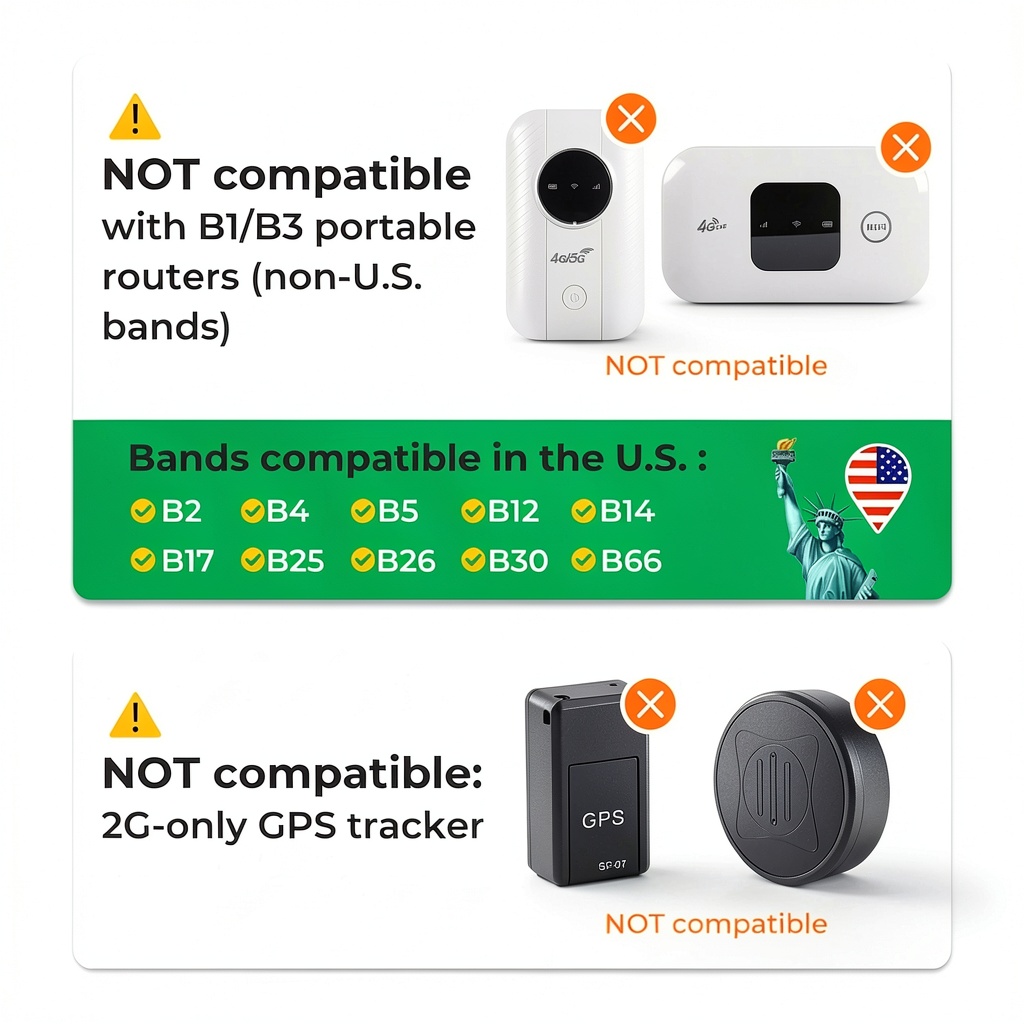
Some 4G LTE Unlocked Hotspot MiFi only support limited bands like B1/B3,it may not be compatible with U.S. networks, which would result in weak or no signal.
The video showcases the product in use.The video guides you through product setup.The video compares multiple products.The video shows the product being unpacked.Video Player is loading.Current Time 0:00/Duration 1:42Loaded: 5.89%0:00Stream Type LIVERemaining Time –1:421x- Chapters
- descriptions off, selected
- Captions off, selected
- English (Automated)
- default, selected
This is a modal window.
How to set up SIM card in Netgear router
Merchant Video
-
The card not fit my device, it is too big why?
Our SIM cards are triple pre-cut, Standard, Micro, and Nano sizes, please look carefully and punch out the size you need for your wireless device
-
Why doesn’t the SIM card work in my device (MiFi, GPS tracker, phone, etc.)?
Please make sure your device is unlocked and supports 4G LTE bands used by our SIM card. Some 2G-only GPS or carrier-locked devices are not compatible.
-
Why is my internet speed slow or unstable?
Network quality depends on local signal coverage. Please try moving the device outdoors or near a window for better reception. Our SIM automatically switches between multiple carriers for the best available signal.
-
Why did my data run out faster than expected?
Data usage depends on your device’s background activity (e.g., security cameras uploading video). We recommend starting with smaller plans if you are unsure of usage. You can monitor data in real time through our app to avoid surprises.
-
How do I insert and activate the SIM card?
Insert the SIM card into your device’s SIM slot (please check the slot size).Power on the device. The SIM will automatically connect to the local network. If you are new to SIM installation, please check our step-by-step guide or activation video


HPS Silicone Hoses Turbocharger Hoses & Hose Clamps
Reviews
There are no reviews yet.